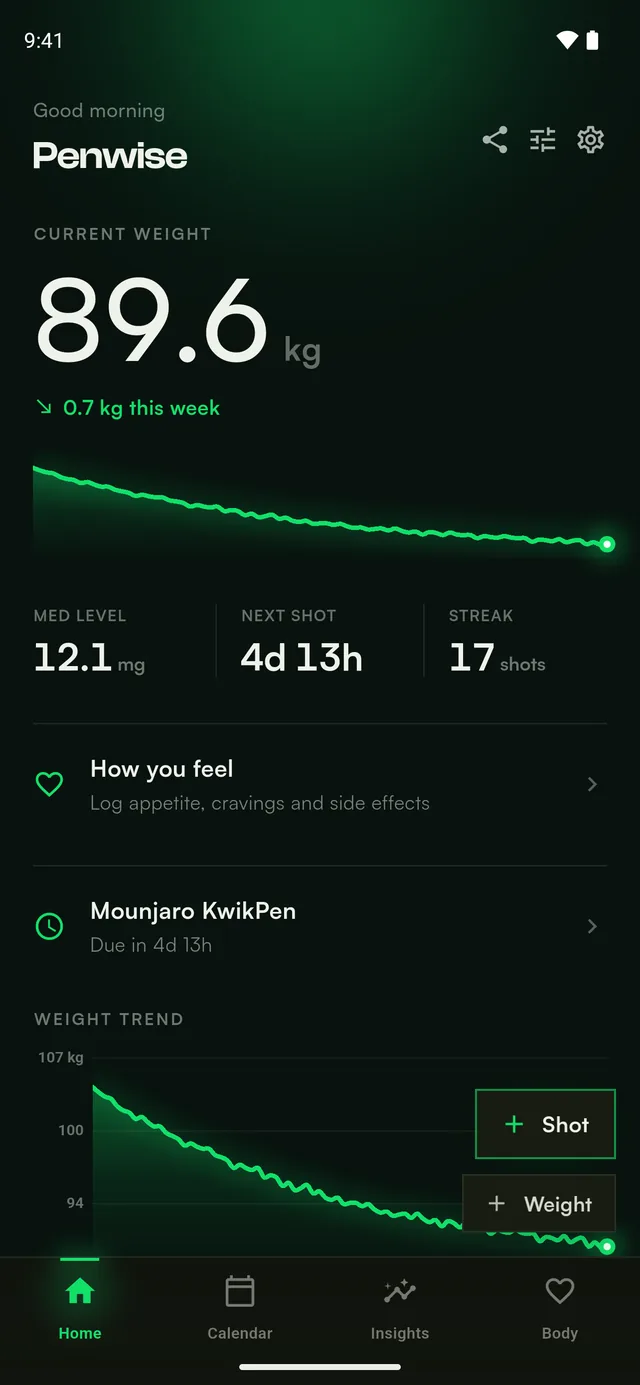
Export from Shotsy
Settings, then Manage My Data.
Choose Export Data
JSON if your version offers it, CSV if it does not.
Pick Penwise in the share sheet
Shotsy shares the export rather than saving it. Choose Penwise there and the file comes straight across, with no trip through Files.
Check it, then keep it
Penwise previews what it found before writing anything, and the whole import rolls back if you change your mind.
From Dosley
Copy the export in Dosley, under Profile, About & Privacy, Export Data, then paste it in Penwise under Settings, Backup, Import from Dosley, or choose the saved file. Doses with their injection sites, oral doses, weight, waist, side effects and daily calories and protein come across. Measurements Penwise has no place for, such as hips or chest, are counted and shown in the preview rather than dropped quietly.